

What family sees
On your phone you type "Dinner is at 6. I'll call after."
Who it helps
MONFamily is messages, reminders, and video calls on a simple screen. Families use it in different situations. The screen stays the same. The list on it changes.
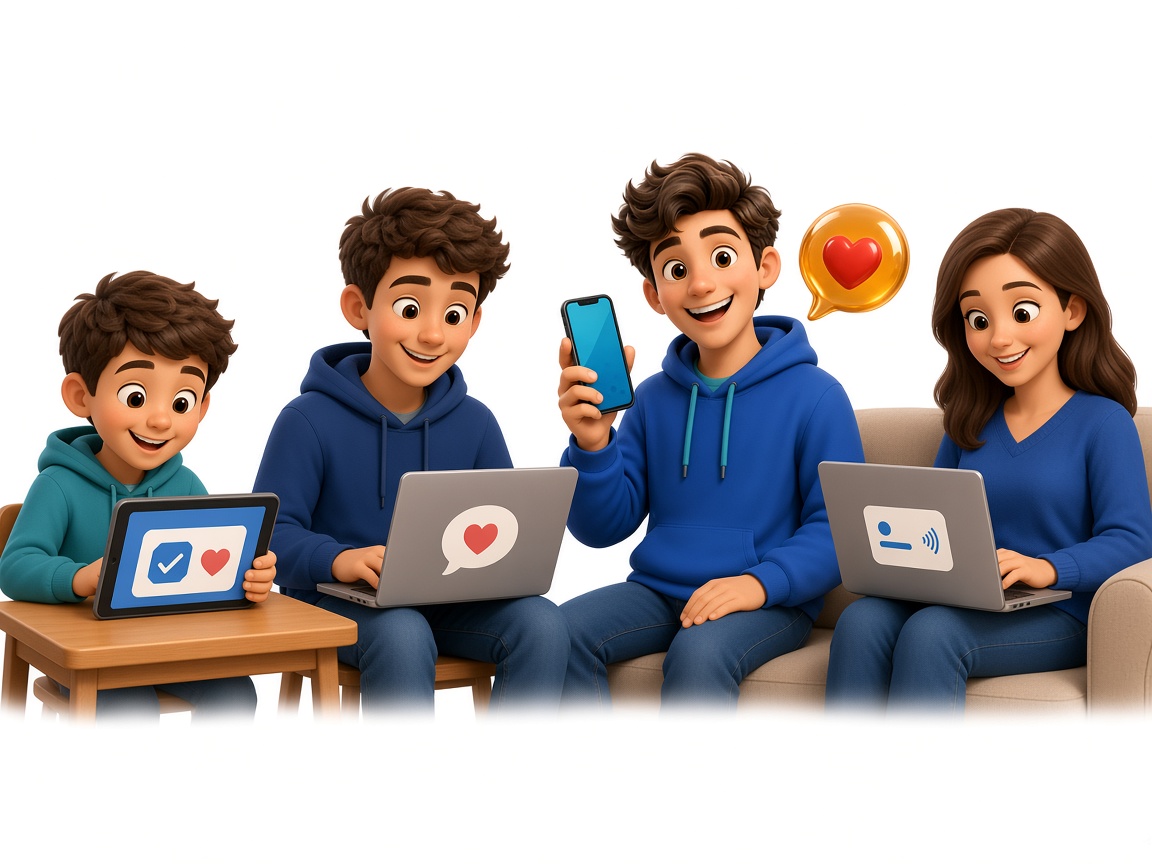
On your phone you type "Dinner is at 6. I'll call after."

On the companion screen that note appears in large type and can be read aloud, with Call family and Help.
Messages, photos, and calls a parent can answer by voice.
Today's visits and reminders stay in view.
A short list for a child, teen, or adult.
Very large type, high contrast, and messages spoken aloud.
Family, friends, and support workers sharing one list.
The same screen during recovery from an illness, injury, or surgery. It is not a medical device.
One household might show a parent "Dinner is at 6." Another might show a teenager "Backpack, then bus." A third might show "Sam is visiting at 5." Family writes the words. The screen shows them in large type and can read them aloud.
Use Google or email. It takes about a minute, and there is no credit card.
A screen, tablet, or computer with a browser is enough. The person using it does not need a smartphone or a password.
Each person sends from their own phone. Reminders stay on the screen until they are done.
Anyone who wants messages, reminders, and calls on a simple screen, with family nearby. People use it with aging parents, while living on their own, for daily routines, for large text, and to share updates across a support circle.
No. The same screen works for a parent, a child or teen following a routine, or an adult who wants fewer steps. The reminders change. The screen does not.
No. Family, friends, and support workers use their phones. The person at home uses one screen and can answer by voice.
No. It is a way to send messages, reminders, and calls. It does not treat any condition and it does not replace emergency services. In an emergency, call 911.
Free during pre-release. No credit card.
Create a free household