
Messages
Send a note or photo from your phone. It shows on a simple screen in large type and can be read aloud.
Free pre-release · Connection made simple
Messages, photos, reminders, and video calls on a simple screen. Large text and read-aloud are built in. The person at home can answer by voice, with no icons to tap and no mouse.
Message delivered
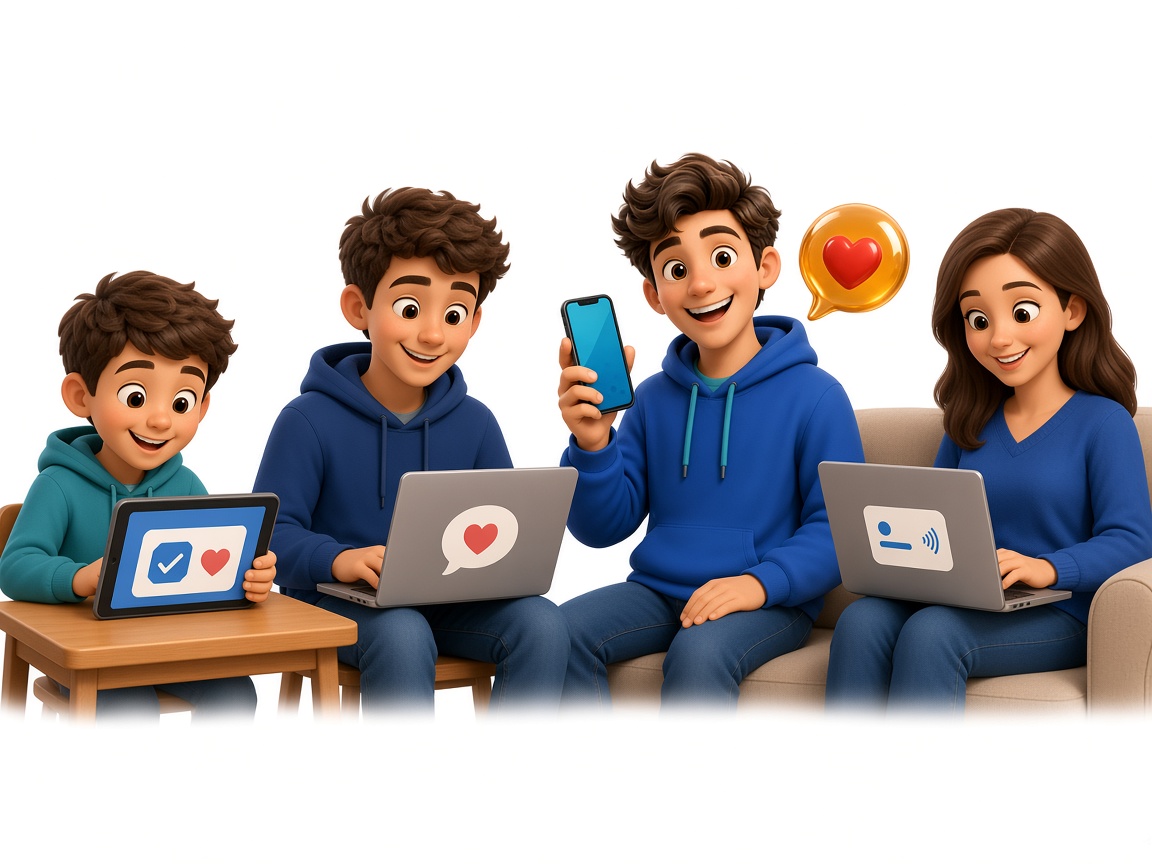
These are examples you might recognize. The same simple screen works for each of them.
A child, teen, or adult practicing everyday routines with support from trusted people.
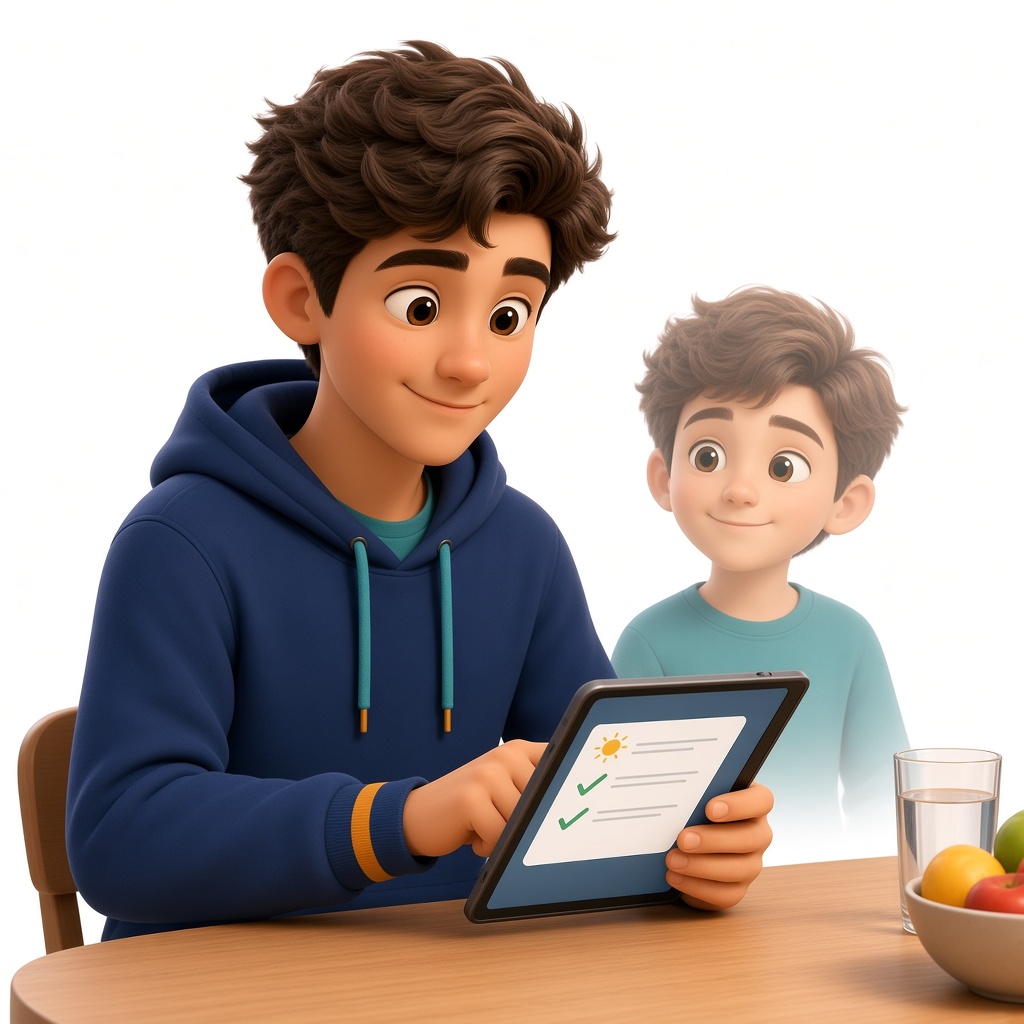
An autistic person who finds predictable reminders and simpler communication useful.
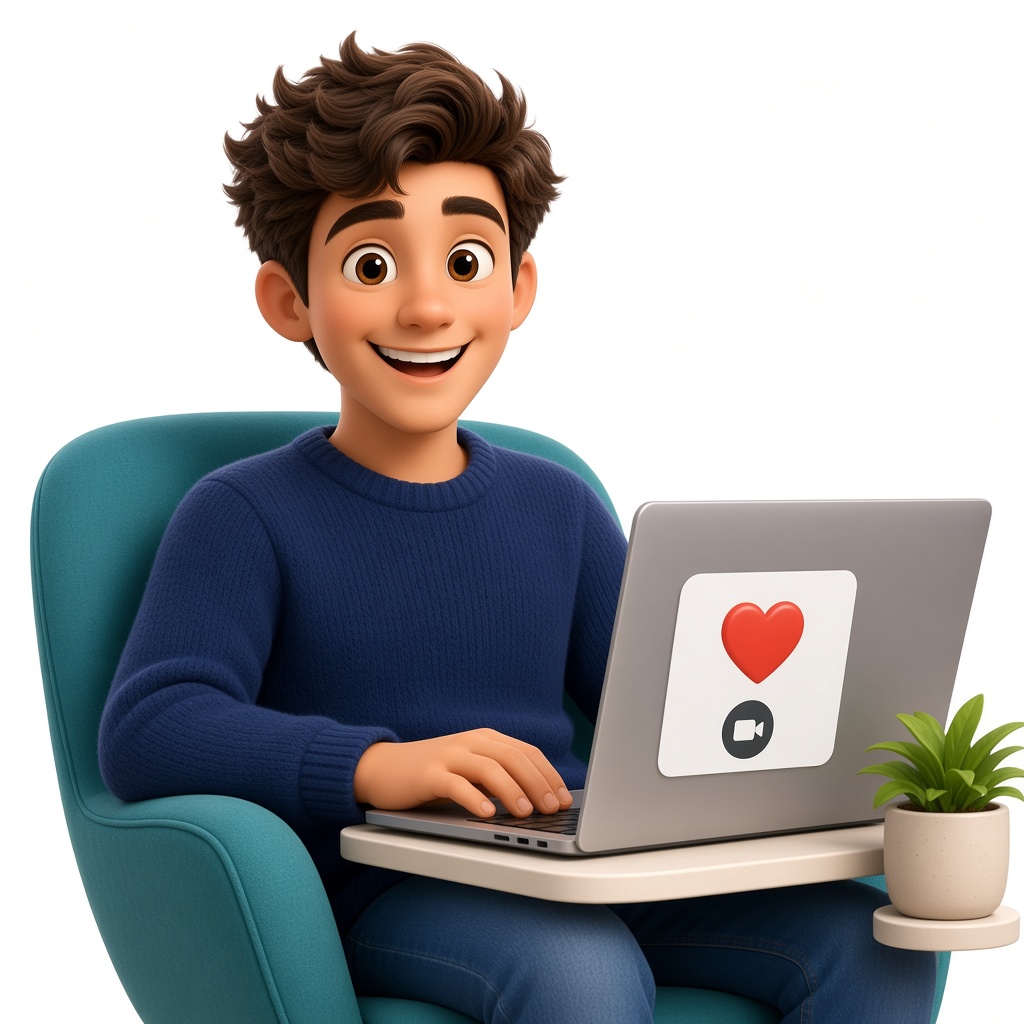
Someone who wants easy messages, calls, and check-ins.

Someone receiving temporary support after an illness, injury, or surgery.

Large type, read-aloud, and a way to answer by talking. No menus to learn, no icons to tap, and no mouse.
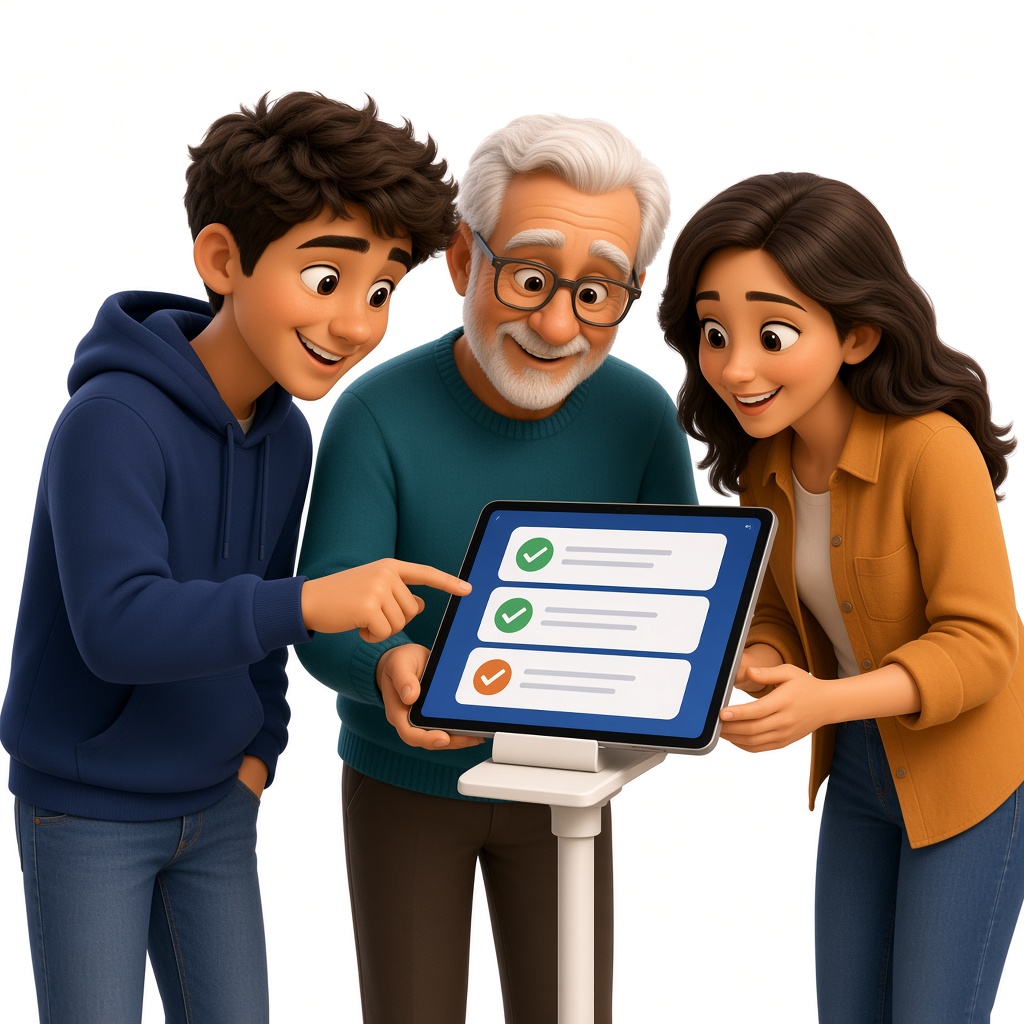
Family, friends, and support workers sharing reminders and updates.
Send a note or photo from your phone. It shows on a simple screen in large type and can be read aloud.
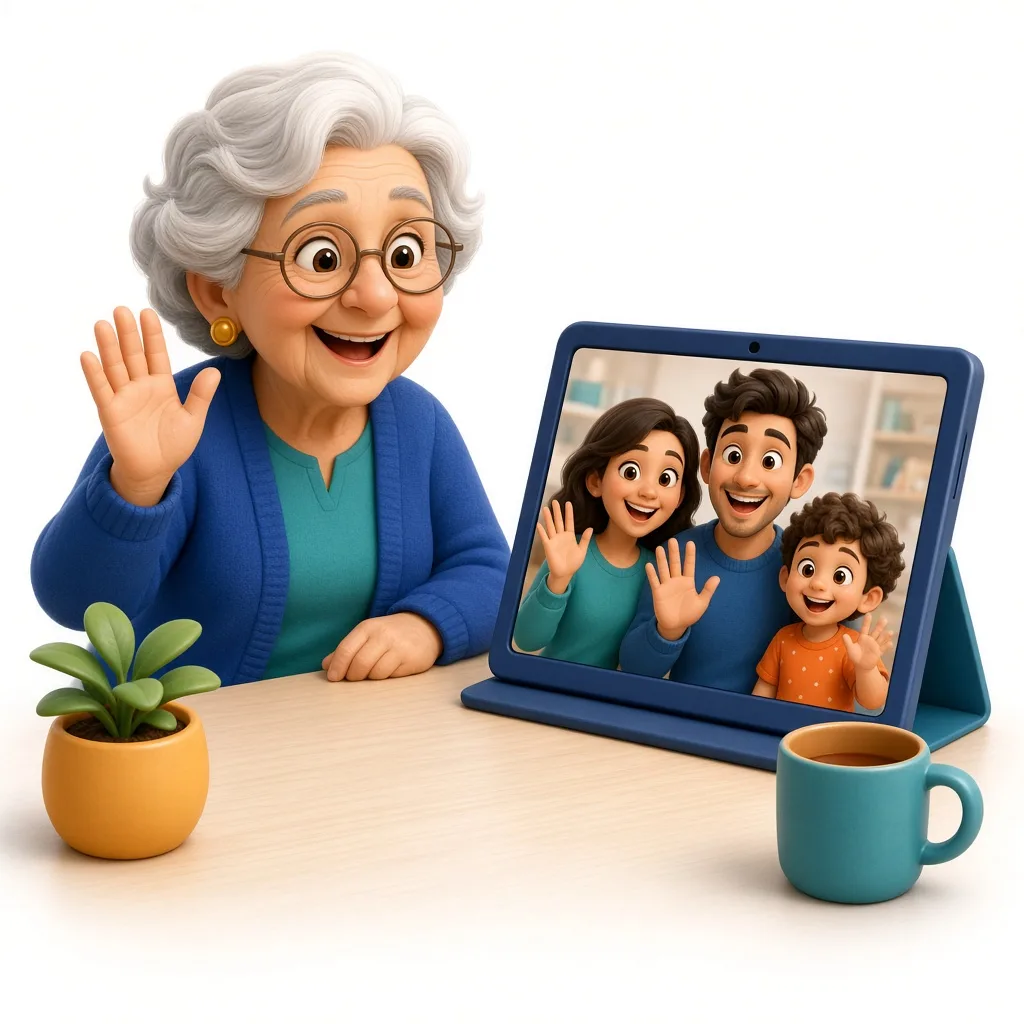
One big button to see people you trust. No passwords.
Routines, visits, and appointments stay on the screen until they are done.
A big button lets them ask for help or a call.
Sit at the same table from a phone and the companion screen. Play tic-tac-toe or pinochle. Texas Hold’em uses play chips only.
Free pre-release
MONFamily is in pre-release and free for every family. Our intention is to keep the cost as low as possible for the long term, so that anyone who needs it can use it.
Tap Continue with Google, or use your name, email, and a password. About a minute.
Use the name they chose. They never need an account or a password.
They hear messages and can answer by talking. No icons to tap, and no mouse.
Yes. MONFamily is in pre-release and free for everyone. Our goal is to keep the long-term cost as low as possible so every family can use it.
No. They use a simple screen. Family, friends, and support workers use their own phones.
No. They can get around by voice. They can say Call family, Help, or Talk to MONFamily. There is no confusing technology for them to learn.
A companion device: a screen, tablet, or computer with a modern web browser and Wi-Fi.
Yes. Messages show in very large, high-contrast type and can be read aloud, with fewer controls on the screen.
Yes. Invite family, friends, and support workers into the support circle. Everyone can send notes, and up to 6 people can join the video room.
Yes. Open Games in the family app. Play tic-tac-toe, pinochle, or Texas Hold'em with play chips. The person using the screen can sit down or say not now. Nothing is wagered.
No. MONFamily is not a medical device and does not replace emergency services. In an emergency, call 911.
Free during pre-release. Set up in about a minute.
Start free